KineBody Pro is an easy-to-use app for creating expressive human poses and animations, and for learning about human joints and movement.
To learn more, click the image below to watch a video introduction (7:15, 26Mb). Or, continue reading this page.
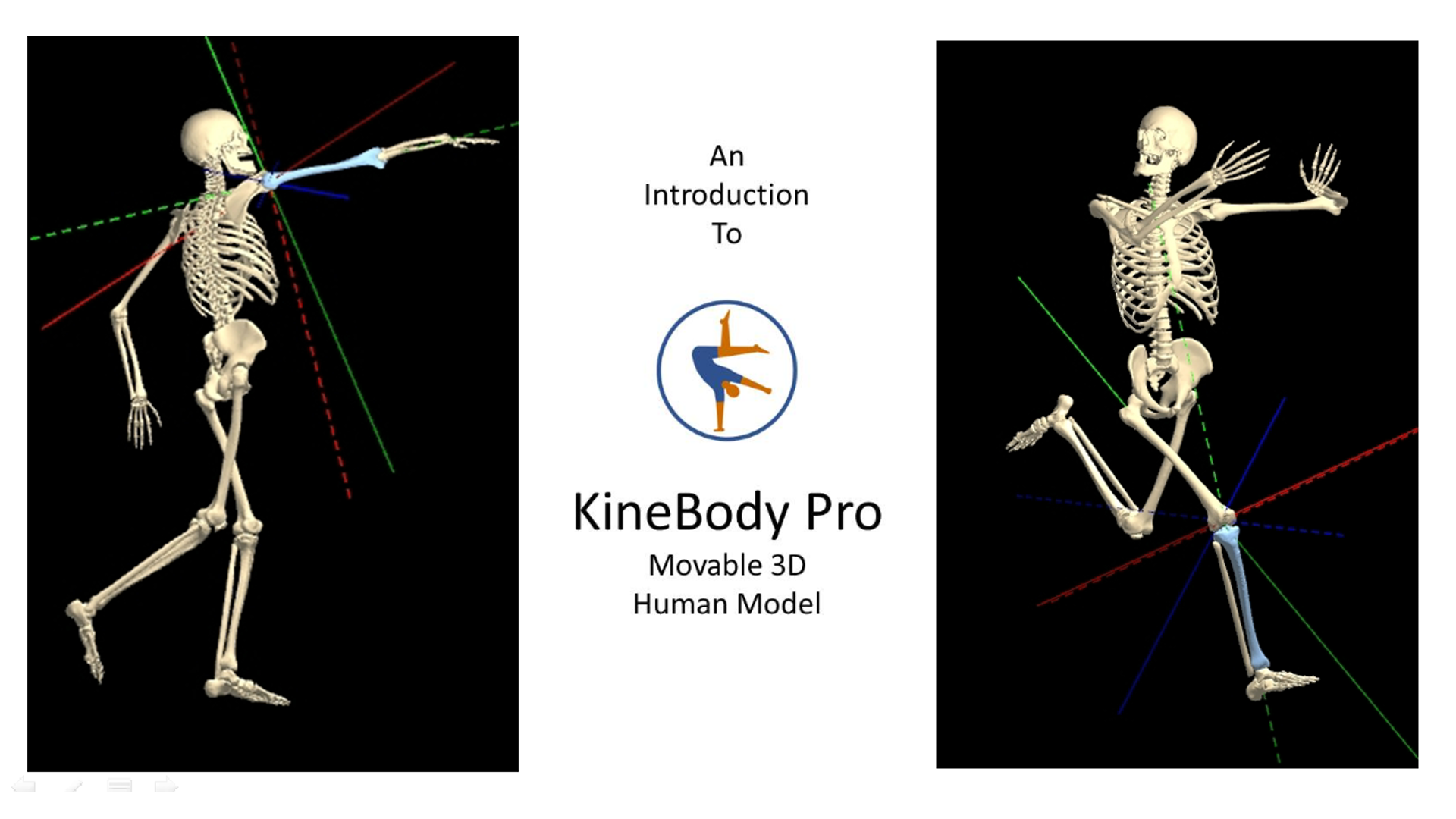
Movable
KineBody Pro
is the ultimate application for learning and demonstrating human joint behavior, and for creating complex human poses and realistic animations.
Unlike many movable human anatomy/kinesiology models or mannequin apps, KineBody Pro allows
YOU to move the joints: simply, precisely, and realistically.
You can select from over 100 joints (and 170 degrees of freedom), and move them simply by clicking & dragging on the skeleton. You’ll observe biomechanically-realistic behaviors, owing to movement parameters (like ranges of motion) derived from scientific sources.
Furthermore, you can view the body from any possible perspective, with KineBody Pro's powerful 6 degree-of-freedom viewer.
3D Skeleton

Select from realistically-proportioned male or female skeletons, while quickly identifying more than 200 bones, described using precise scientific names & common names. Bones are rendered using high-definition bone shapes, with realistic 3D illumination and accurate perspective.
Simple
At the same time, KineBody is easy to use. You can: select joints to move by clicking or tapping on them, and move joints by dragging across the viewing area. Or, move the body or joints using ‘smart’ sliders. You can experiment and iterate, thanks to Undo or Redo buttons. Documentation includes embedded 'Hints' & tooltips galore, plus extensive online Help.
Powerful
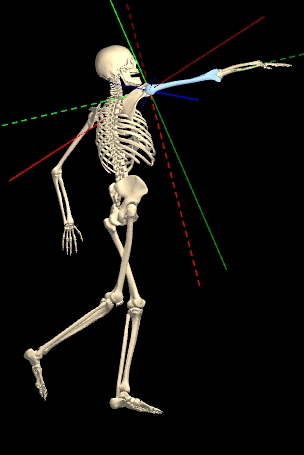
With its realistic joint behavior, KineBody serves as unique & powerful human pose generation tool (mannequin). You can define complex poses for countless applications, including:
| athletics & fitness | figure drawing | dance | martial arts | safety |
| yoga | cartoons | performance | forensics | ergonomics |
You can make your poses highly expressive, by incorporating hand & foot joints. Or, replicate poses accurately, by tracing from images. Plus, utilities enable you to save your poses & share them with colleagues, or save them as images, optionally with transparent backgrounds.
Modular Design
KineBody Pro has a modular design that allows you to select & combine feature sets to meet your individual needs. The modules & their key characteristics include:
| Module: | Viewer | PoseTools | AnimTools |
| Role: | The essential ‘base’ edition of the app. | Adds features for moving joints & saving poses. | Adds features for creating & saving animations. |
| Features: |
|
|
|
| Offered: |
Free of charge !! but registration required. |
By subscription. | By subscription. |
Multiple Platforms
KineBody Pro is available for two platforms:
|
|
|
|
|---|---|---|
| App type: | Android app | Web app |
| Modules available: | Viewer | Viewer, PoseTools, AnimTools |
| Compatible software: |
Windows, MacOS (latest versions) Chrome, Edge, Safari, Opera, Firefox ("") |
|
| Compatible input devices: |
Touch screen Mouse, keyboard (via usb or bluetooth) |
Mouse, keyboard Touch screen (except: MacOS, FireFox) |
| Get started: |
Learn about Registration & Subscriptions for Android |
Learn about Registration & Subscriptions for Webapp |